
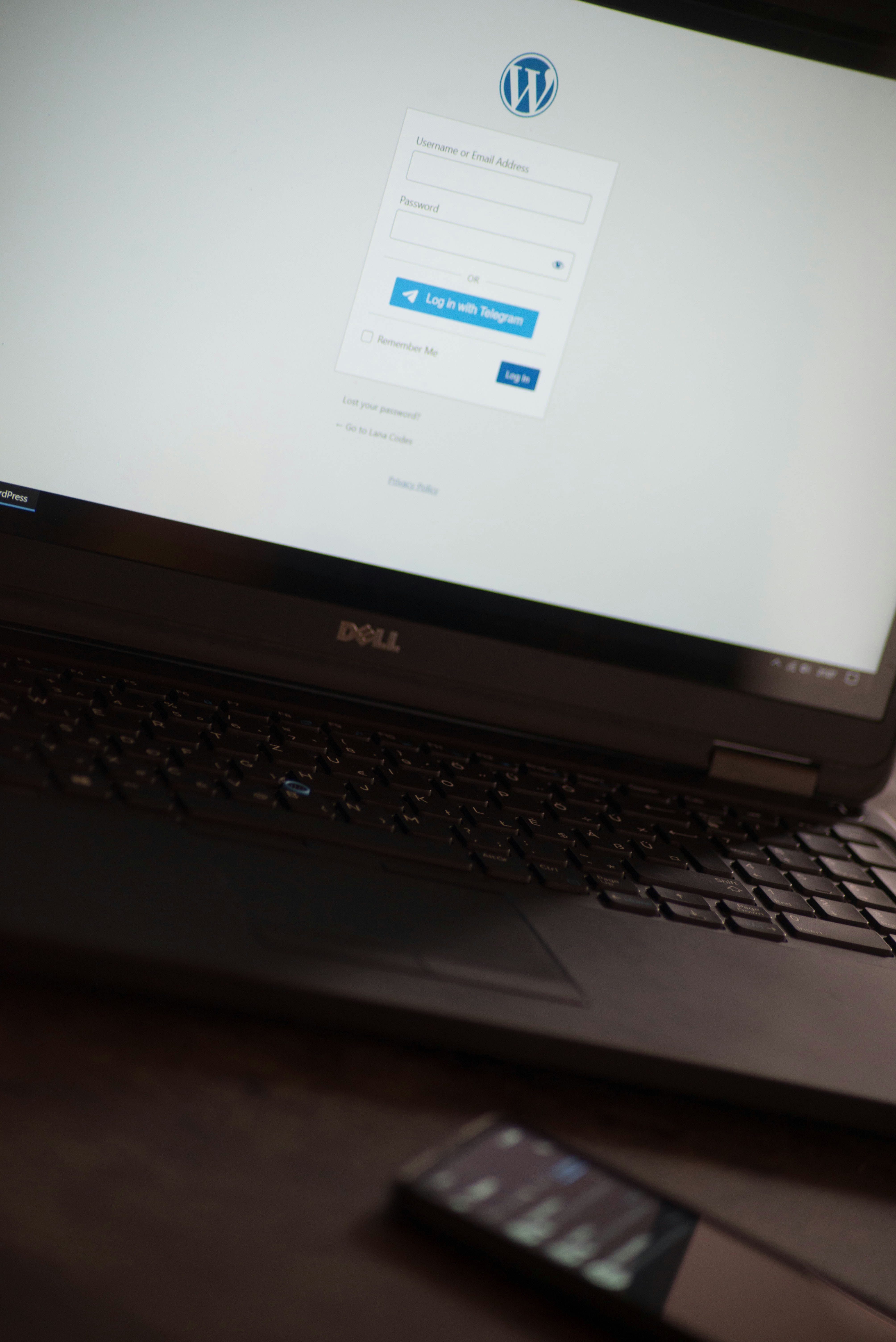
Introduction to WordPress
WordPress is one of the most popular content management systems (CMS) used for building websites. With its user-friendly interface, versatility, and a vast range of plugins, it’s an excellent choice for both beginners and experienced developers alike.
Choosing the Right Hosting Provider
The first step in creating your website with WordPress is selecting a reliable hosting provider. Look for features such as uptime reliability, customer support, and scalability options. Top providers often offer one-click installations for WordPress, making the setup process seamless.
Designing Your Website Layout
Once WordPress is installed, the next step is customizing your site’s appearance. Choose a theme that fits your vision. WordPress offers thousands of themes – from minimalist designs to more intricate layouts. Ensure your chosen theme is responsive, meaning it adapts well to various screen sizes. Personalizing the theme further with colors, fonts, and layout adjustments is essential for aligning with your brand identity.
Installing Essential Plugins
Plugins add functionality to your website. Consider essential plugins such as SEO tools, security features, and performance optimizers. With the right plugins, you can significantly enhance the user experience and visibility of your site on search engines. Always keep your plugins updated to maintain website security and performance.
Conclusion
Building a website with WordPress might seem daunting at first, but by following these steps, you can create a professional-looking site efficiently. Whether for personal use or as a business, WordPress offers the flexibility and tools necessary to establish a strong online presence.